Magento 2 - Type Error occurred when creating object: Magento\Framework\Locale\Resolver
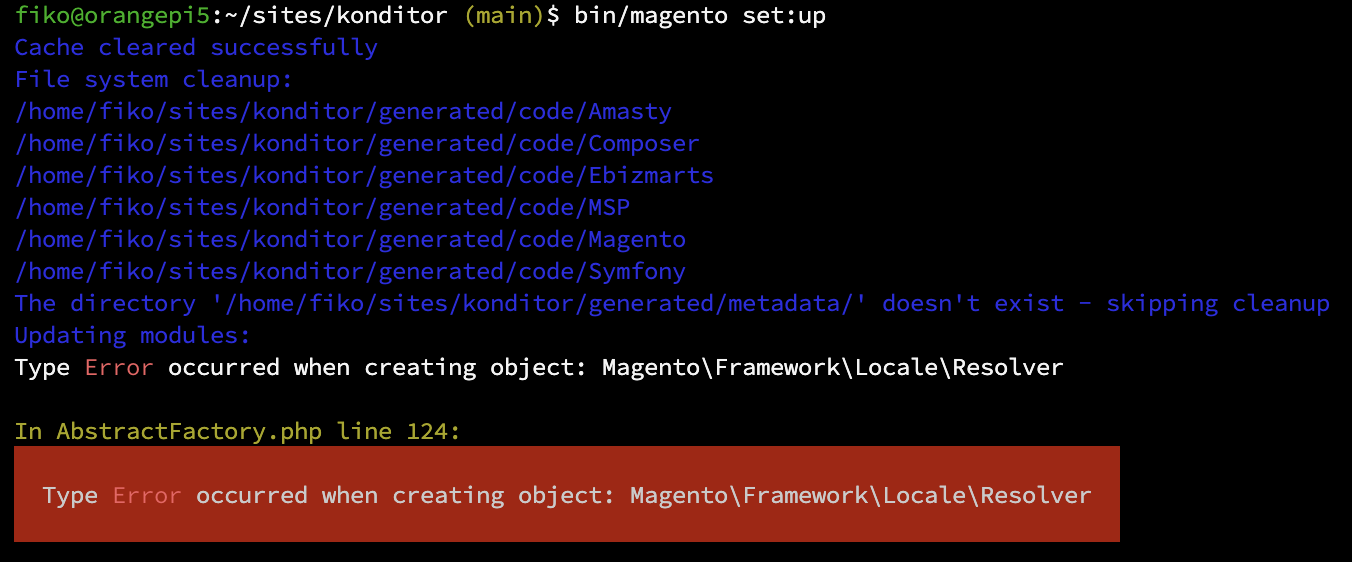
Magento 2 requires several PHP Extensions for the project, you can see the requirements here for Magento 2.4 and here for Magento 2.3.
How to know more detail?
And by that error, it's bit too general. For more detail about that error, you can try to monitor the logs of your magento by having 2 terminal sessions:
1 session to monitor log, and
tail -n 0 -f var/log/*1 session to run the magento command
bin/magento setup:upgrade
Possible Issues
By that issues, there are several possibility:
Wrong Crypt Key on env.php
You can try to remove current crypt key on your app/etc/env.php file, and try to copy correct key file from existing project.

Lack of PHP mcrypt extension
You can try to check this PHP extension by running php -info | grep mcrypt
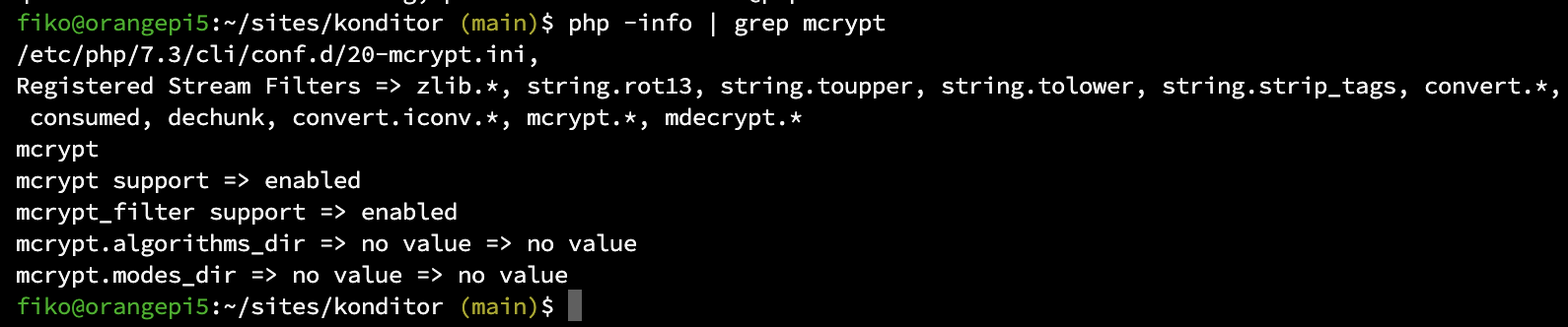
if you dont see that extension, try to install it! in this case I'm using PHP 7.3, so I'm installing mcrypt for php7.3. If your PHP version is not 7.3, then just change the PHP version to match with your environment.
sudo apt install php7.3-mcrypt
Code Error
If those 2 previous issues are not solving your problem, it could be code base issue and you need further investigation, and maybe you can use How to know more detail? step to investigate.
References:
https://devdocs.magento.com/guides/v2.3/install-gde/system-requirements.html
https://magento.stackexchange.com/questions/278222/php-bin-magento-setupupgrade-issue
https://gist.github.com/pauloharaujos/bb6173d8f9e64d1b572fe24e55ec109f
https://meetanshi.com/blog/solution-type-error-occurred-when-creating-object-in-magento-2/
About the author
I wrote these tutorials for myself in future when I forget for the next steps.
Comments
Join the discussionNo comments yet. Be the first to comment.